Resources
Multi-camera egocentric data collection: setup, timing and delivery
Plan a multi-camera recording with clear camera roles, calibration, synchronization checks and a manifest that connects every view to the same episode.
Published 2026-10-27 · 6 min read
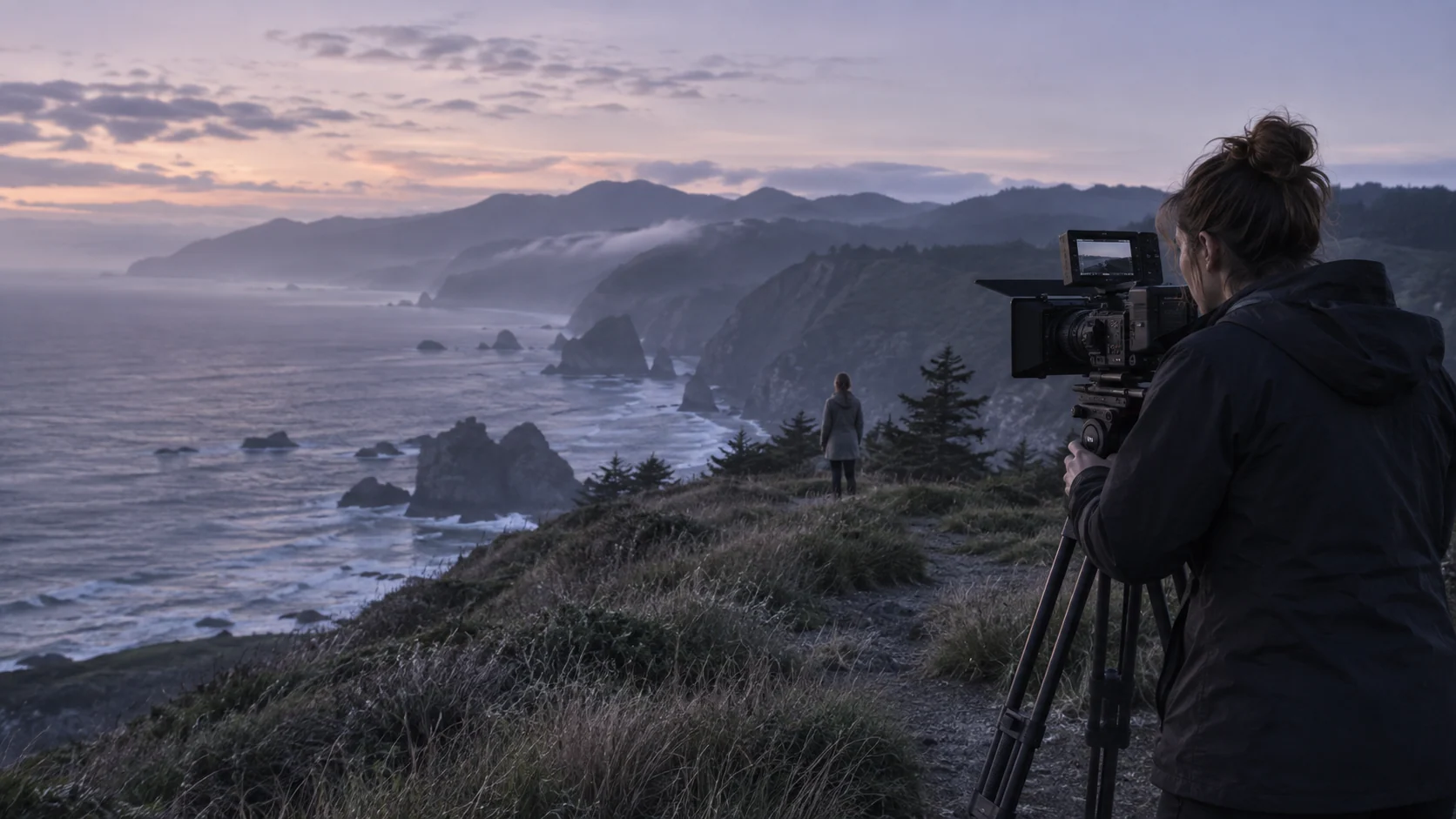
A multi-camera egocentric setup needs more than several cameras recording at once. Define the role of each view, the shared time reference, the geometry required by the task and the records that make the streams interpretable after delivery.
A calibrated head-mounted stereo pair can support stereo reconstruction; wrist cameras can add close-up views. A separate room camera supplies an external perspective. Those roles should not be described as interchangeable or assumed to provide native robot-action labels.
Assign every camera a job
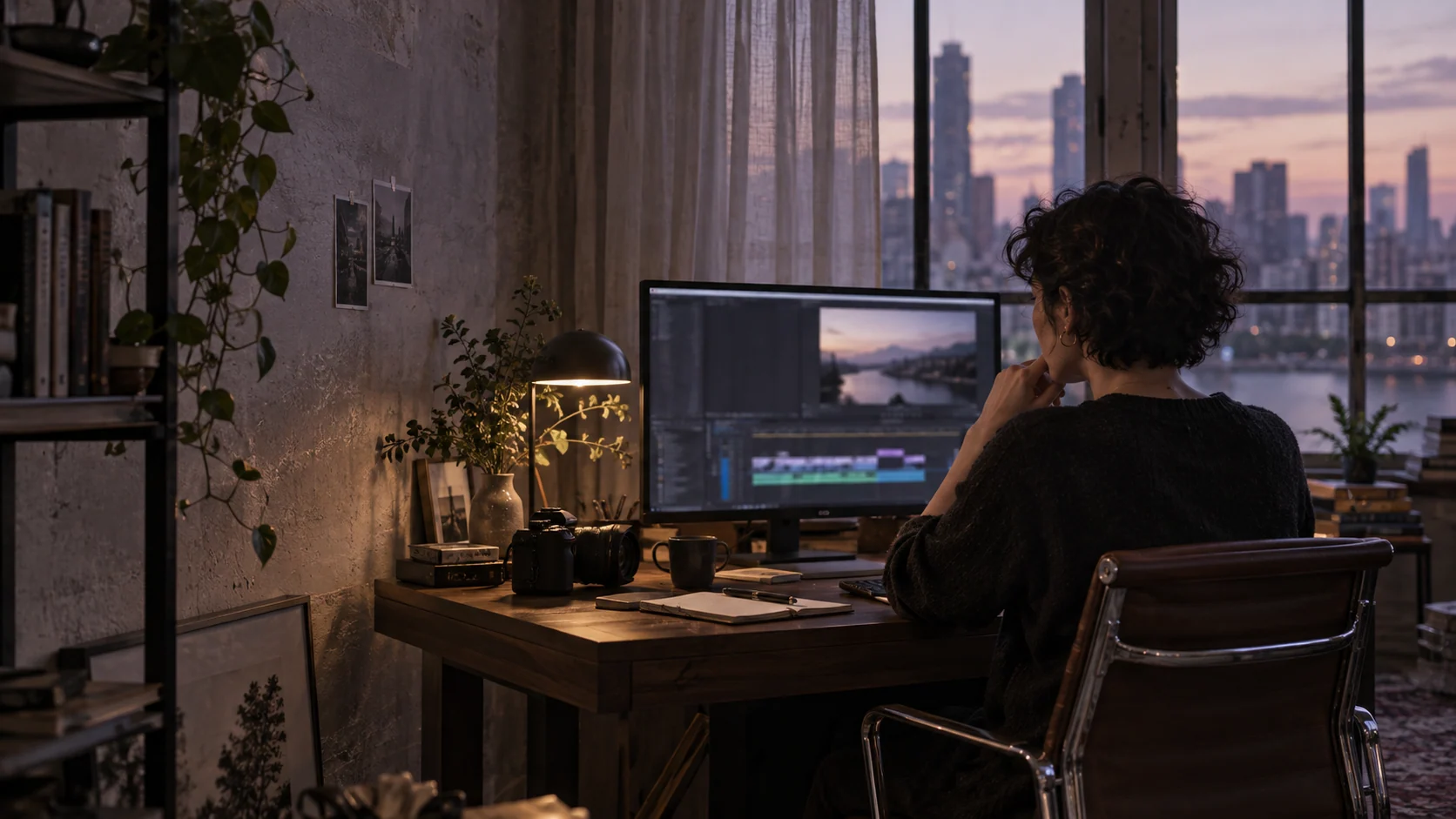
Illustrative arrangement: head-left and head-right form a rigid stereo pair; wrist-left and wrist-right observe local interaction. An optional external camera records scene context. This is a planning example, not Fiund’s standard rig or a verified inventory specification.
Identify the interaction that must remain observable and test where occlusion occurs. More views increase storage, setup and review work. They are useful only when they resolve a requirement the simpler setup cannot meet.
Calibrate the geometry that matters
Record intrinsics, distortion models, image sizes and coordinate conventions for each relevant camera. Stereo work also needs the relative pose and baseline of the pair. Preserve calibration versions and associate them with the session.
Check the calibration after the rig is moved or adjusted. Report the method and validation results rather than stating simply “calibrated.” OpenCV documents common calibration and rectification operations; equipment-specific procedures still need validation.
Establish and test the time reference
Document whether timing is hardware-triggered, based on a common clock or aligned afterward. Retain original timestamps and explain any offsets, drift corrections, missing frames and resampling. Starting all cameras manually does not establish synchronization.
Test a visible event across views at the beginning and end of a representative session. Assess drift over the expected recording length, not only a short initial clip. The buyer should set the permitted error for the intended analysis.
Package files so relationships survive
Use one episode ID with separate stream IDs. A manifest should connect video paths, timestamps, calibration references, task annotations, quality findings and restricted permission references. Keep sensitive identity and release documents in the appropriate private review process.
The downloadable capture brief linked in the egocentric buying guide provides fields to agree, not a certification. Mark depth, hand pose and other signals as measured, estimated or unavailable. Name any format conversions and check the resulting files.
Run a complete pilot handoff
Play the original streams together and verify an episode can be loaded without manual filename guessing. Check alignment, task visibility, calibration applicability, duration accounting and supporting records before commissioning volume.
Agree what happens when one camera fails: partial acceptance, episode rejection or recapture. Price unique activity separately from camera-stream hours and specify which supporting files and checks are included in the delivery.
Before the next step
- Name camera roles and stable IDs.
- Link sessions to calibration versions.
- Check synchronization over the full session length.
- Test the actual package and loader before scaling.
Frequently asked questions
Does Fiund guarantee a purchase or paid assignment?
No. A description is reviewed for fit before a sample, collection scope or licence is agreed. Availability, acceptance, compensation and permitted uses follow the applicable written terms.