Resources
How to record egocentric video for AI data collection
A practical first-person video recording checklist: tasks, camera framing, permissions, original files and a pilot review before collecting at volume.
Published 2026-10-27 · 6 min read
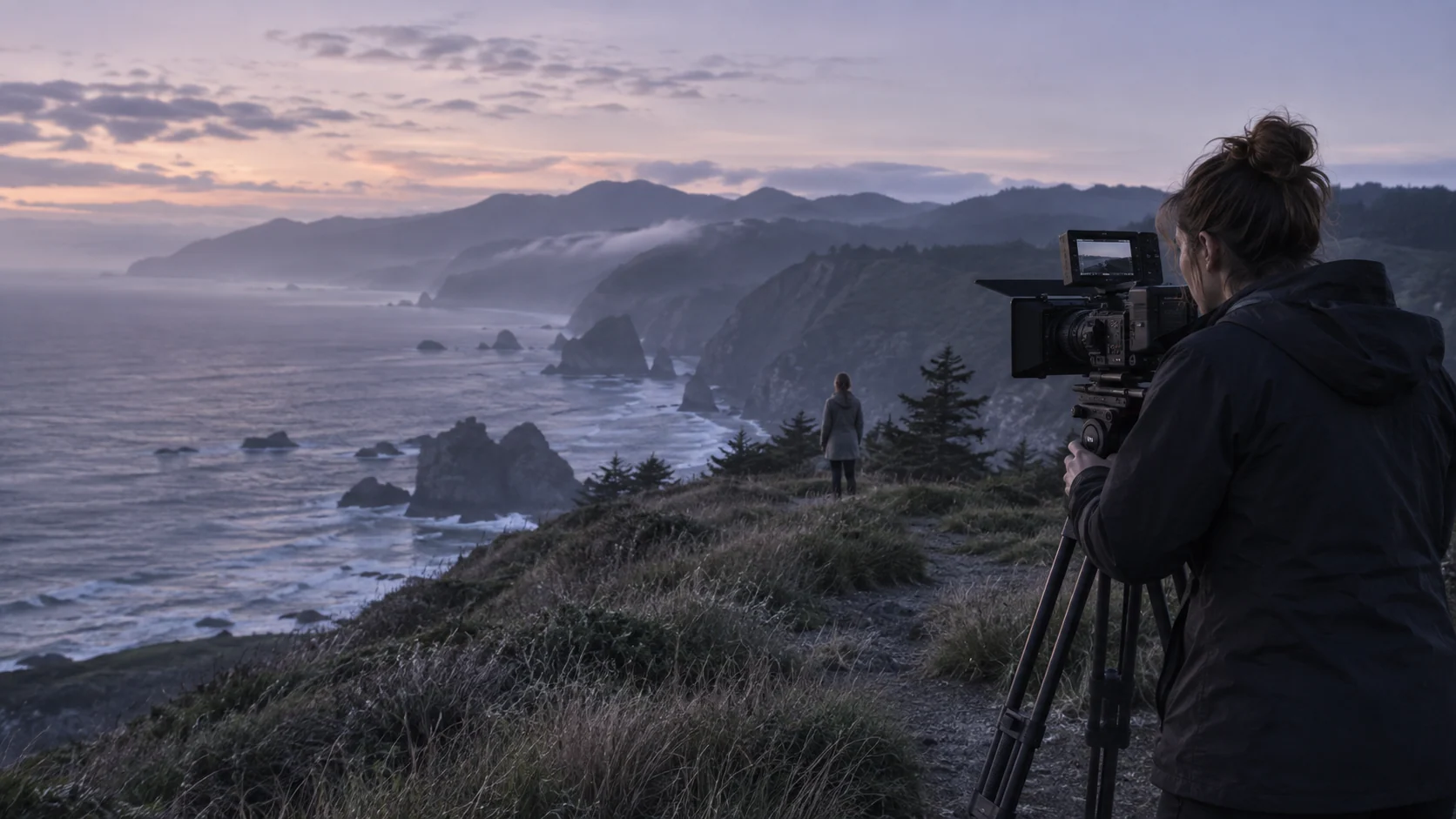
Record useful egocentric video by starting with a written task brief, getting the necessary permissions, keeping the relevant hand–object interaction visible, and validating original footage in a small pilot. Resolution alone does not make a recording useful to an AI buyer.
This is a preparation guide, not a live paid assignment or a universal recording specification. Fiund confirms whether a collection scope is relevant before work begins. Do not spend money on equipment or record workplaces on the assumption that footage will be purchased.
Write down the task and permitted setting
Describe what should happen, how a sequence starts and finishes, the objects involved and the conditions the buyer wants represented. Include normal interruptions and failed attempts only when the brief asks for them. Avoid making every clip an identical staged motion.
Arrange permission for the location and people involved, and review confidential information, screens, bystanders and third-party material. A person wearing a camera does not automatically have authority to license everything it records. Stop or exclude capture when permission is unresolved.
Test the view before a full session
Fit the mount securely and run a short representative task. Check whether hands, tools, contact points and the work surface remain visible through the action. A head view and a chest view may miss different parts of the same task.
Good pilot example: the object, approach, manipulation and outcome can be followed in the original file. Failure example: the camera points ahead while the hands perform the important steps below the frame. These are illustrative checks, not claims about published Fiund sample footage.
Agree quality settings for the intended use
Set resolution, frame rate, exposure, field of view and audio requirements in the brief. Test actual playback for blur, flicker, poor light, blocked views and excessive movement. A higher pixel count cannot recover an interaction that was never visible.
Keep the originals and camera identifiers. Avoid stabilization, cropping, frame interpolation or transcoding unless agreed; those operations can change the evidence needed for geometry or timing. Record any necessary transformations in the manifest.
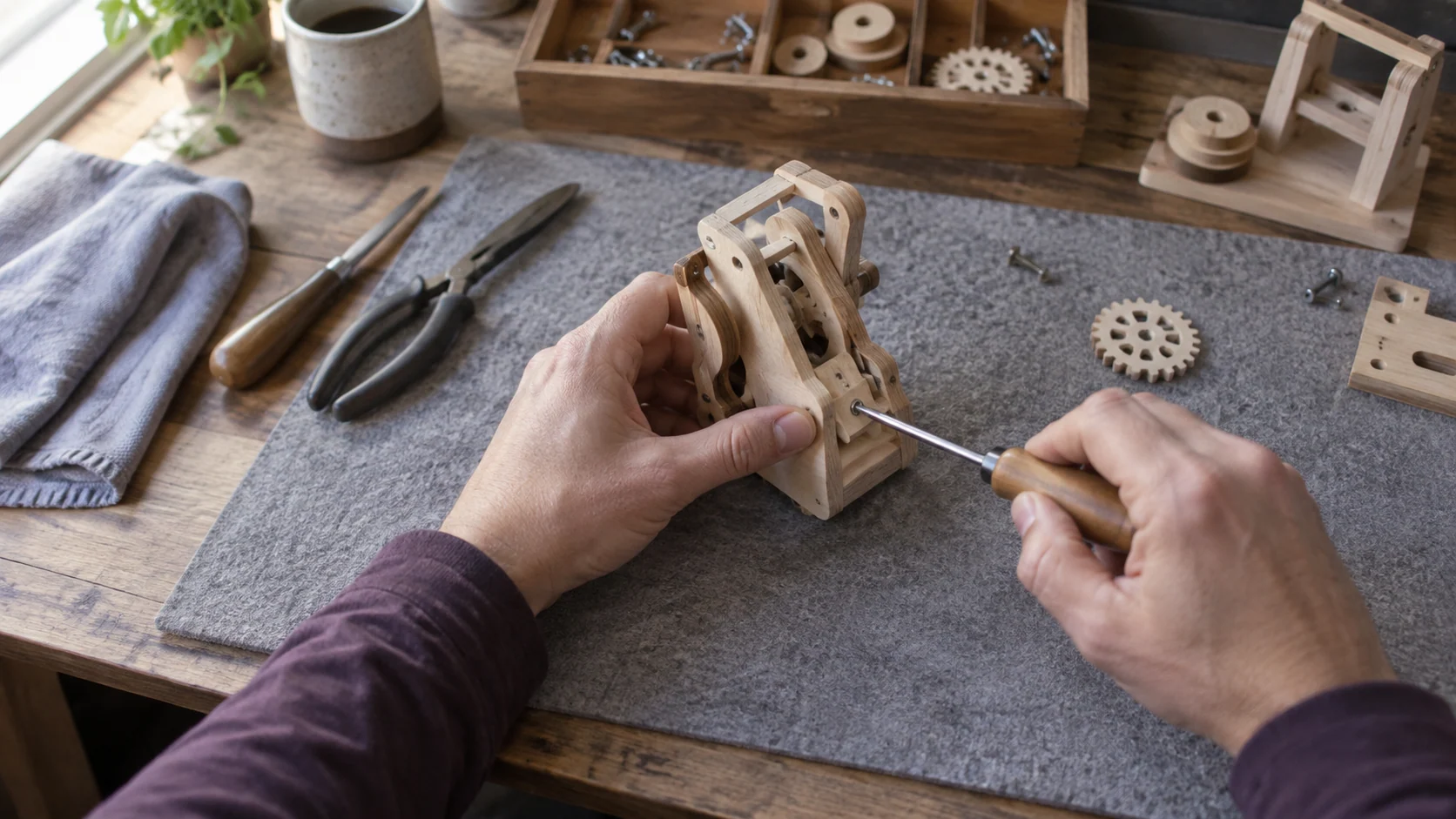
Capture the sequence and supporting records
Use stable session and episode IDs. Record task labels, camera identity, start and end information, relevant permission references and known issues. Describe camera-stream duration separately from unique activity duration.
If a buyer needs narration, agree whether it is live speech or a later annotation. If sensors or multiple cameras are required, use a validated synchronization and calibration process. Do not label a single RGB feed as measured depth or motion capture.
Review a pilot before repeating the process
Check a representative original clip, manifest and supporting records together. The buyer should be able to follow the episode and identify missing information without guessing how files correspond. Agree acceptance and rework criteria before increasing volume.
List rejection reasons explicitly: obscured actions, duplicate or irrelevant tasks, incomplete sequences, technical faults or unresolved permissions. An approved recording protocol and written commercial terms should come before large-scale capture.
Before the next step
- Agree task coverage and permissions.
- Test framing during a real action.
- Keep original files and stable IDs.
- Review a pilot before scaling.
Frequently asked questions
Does Fiund guarantee a purchase or paid assignment?
No. A description is reviewed for fit before a sample, collection scope or licence is agreed. Availability, acceptance, compensation and permitted uses follow the applicable written terms.